Tracking
Track your reading progress from OpenComic.
Supported sites
All four integrations support chapter and volume progress.
Connect a tracking site
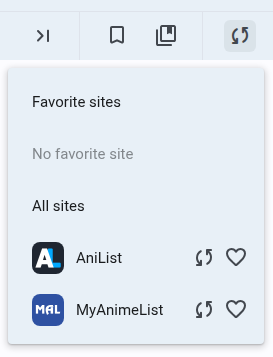
- Open a comic and open the Tracking menu in the reader.
- Select a site and follow its sign-in or authorization steps.
- Search for the comic and select the matching entry.
Once connected, OpenComic can synchronize your chapter or volume progress with that site. You can mark frequently used sites as favorites in the Tracking menu.
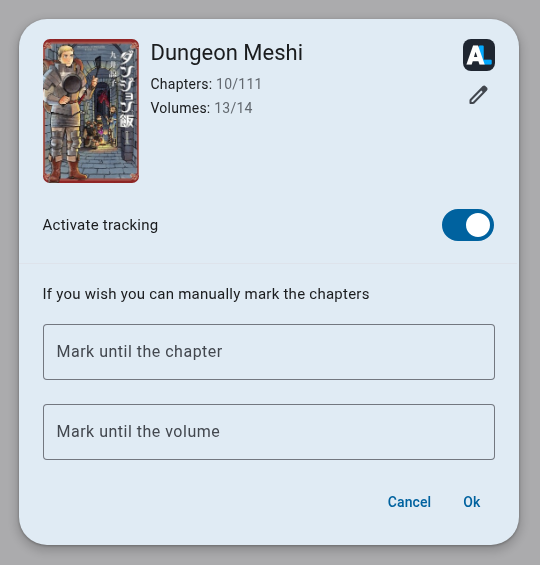
Manual tracking
If OpenComic cannot detect the volume or chapter you are currently reading, you can track it manually.