Shortcuts
The Shortcuts settings allow you to customize how you interact with OpenComic while reading.
Gamepad Options
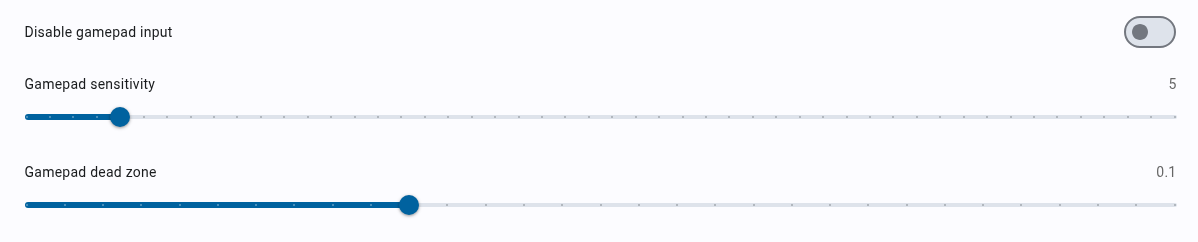
You can adjust gamepad settings such as sensitivity and dead zone.
Custom Shortcuts
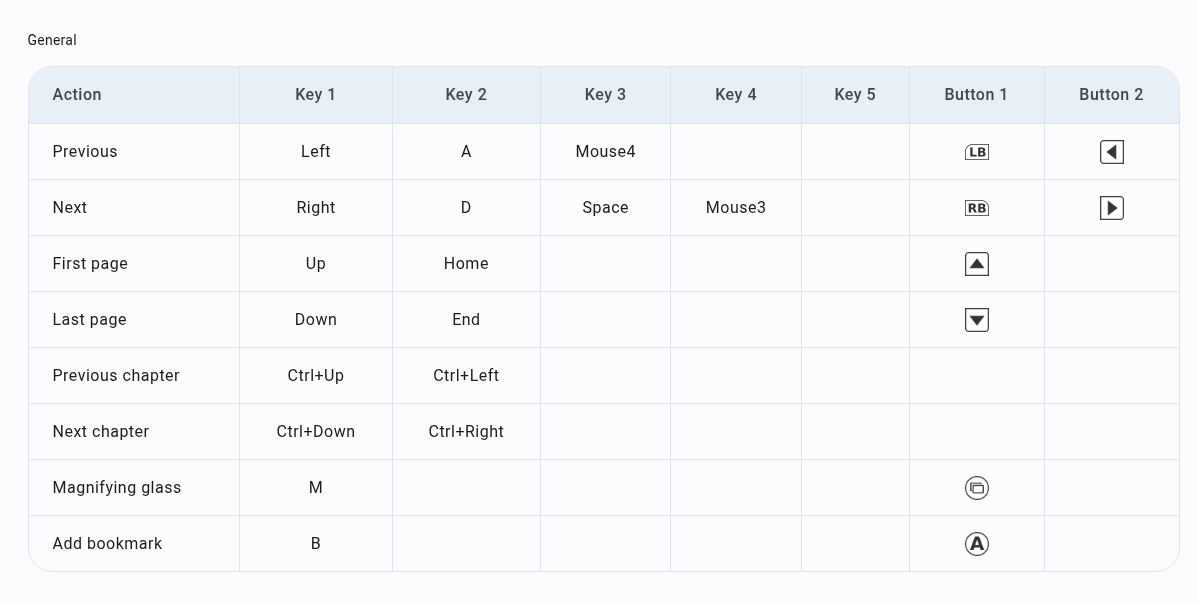
You can assign custom actions to:
- Keyboard keys
- Mouse wheel (up, down, left, right)
- Gamepad buttons
Shortcut macros
A macro runs several reading actions from a single shortcut. In Settings > Shortcuts, scroll to the macros section and select Add macro.
- Enter a name for the macro.
- Choose an action, set its target state if the action supports it, and optionally set a delay.
- Select Add action and repeat for each action in the sequence.
- Save the macro.
- Assign a keyboard key or gamepad button using the macro's row in the shortcuts table.
You can reorder or remove actions when editing a macro. Toggle mode lets the macro switch its target state each time it runs, which is useful for sequences that turn several features on and off together.
Tap Zones
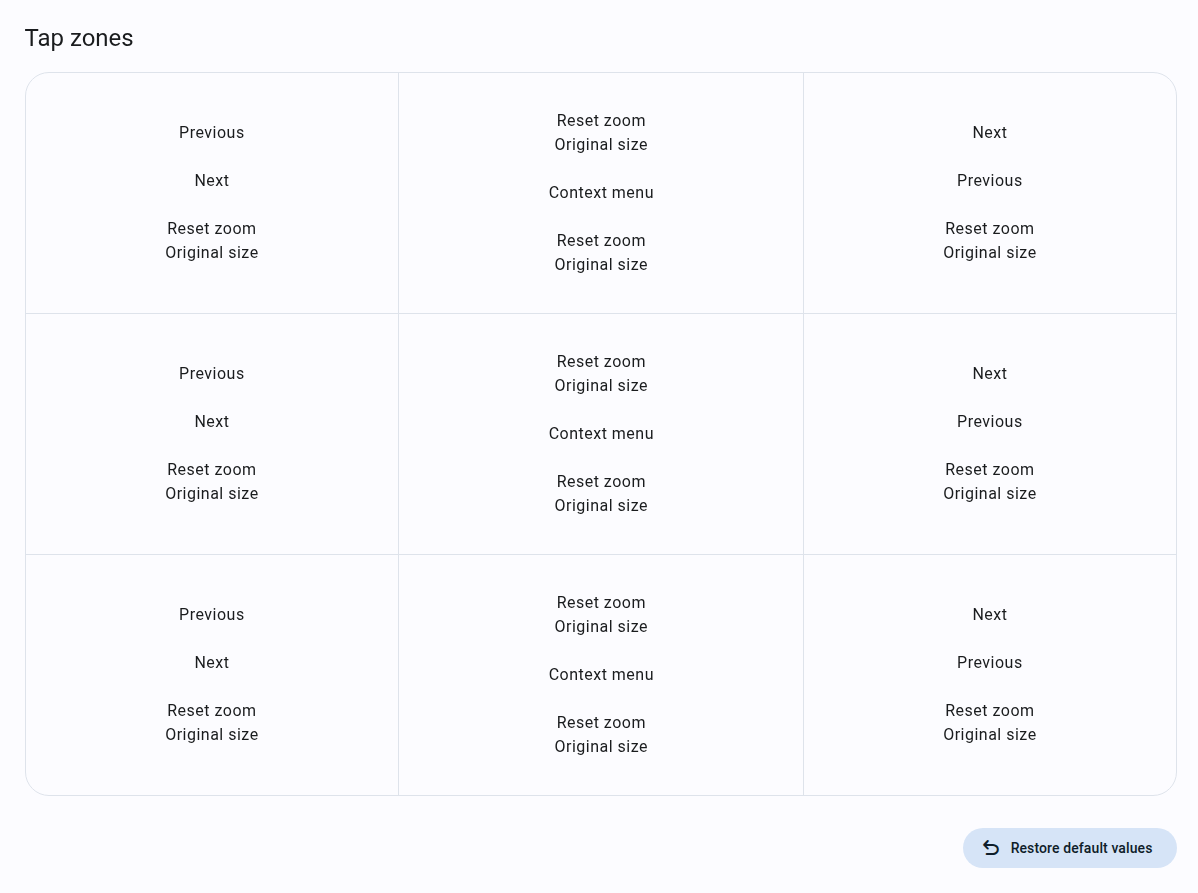
You can configure up to 9 tap zones, each with its own action.